
← Back to the guide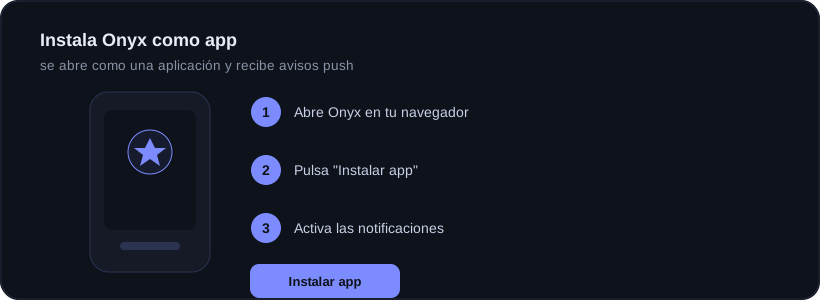
Open Onyx, tap Install app and enable notifications. Done.
Guide · Alerts and support
Install Onyx as an app on your phone
🕒 2 min read New
Onyx works as an app without any store. You install it from the browser itself in seconds. The steps depend on your system: find yours below.
🍏 On iPhone or iPad (iOS)
1
Open Onyx in Safari
On iOS installing only works from Safari (not Chrome or another browser). Go to onyxtradinglive.com and sign in.
2
Tap the Share button
It is the little square with an up arrow, in the bottom bar (or top on iPad).
3
Add to Home Screen
In the menu that opens, scroll down and tap "Add to Home Screen". Confirm with "Add". The Onyx icon appears on your screen.
4
Open Onyx from the icon and allow alerts
Open it from that icon (not from Safari). Go to enable notifications and accept the permission when iOS asks.
On iPhone push alerts ONLY arrive if you open Onyx from the home-screen icon; from Safari they do not work. You need iOS 16.4 or later.
🤖 On Android
1
Open Onyx in Chrome
Go to onyxtradinglive.com in Chrome and sign in.
2
Tap "Install app"
You will see the button inside Onyx, or Chrome’s "Install app" prompt (also in the three-dot menu → Install app / Add to Home screen).
3
Accept notifications
Open the installed app and accept the notification permission to get push alerts.
🖥️ On Windows or Mac (desktop)
1
Open Onyx in Chrome or Edge
Go to onyxtradinglive.com and sign in.
2
Click the install icon
In the address bar, on the right, an install icon appears (a small screen with an arrow). It is also in the "Install app" button inside Onyx.
3
It opens as a program
Onyx opens in its own window, like any app, and stays on your desktop or Start menu. Accept notifications if you want alerts.
Why it is worth it
With the app installed, the check-in reminder and Guardian alerts reach you even with Onyx closed.
Ready to trade with data, not gut feeling?
Onyx analyzes every trade, protects your risk with Guardian and shows your real numbers. Start free and upgrade whenever you want.
Was this useful?