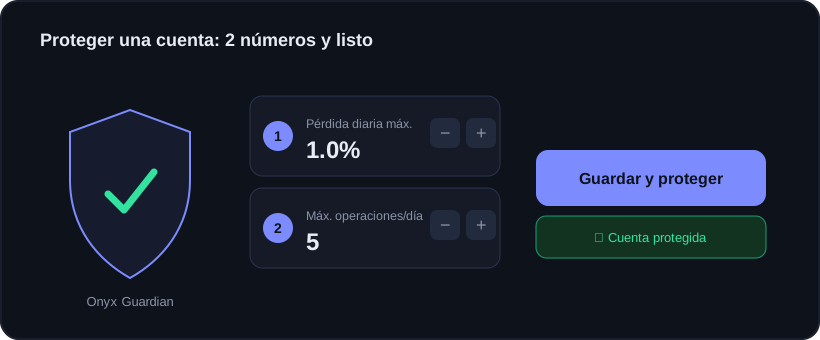
In My plan → Limits & accounts you see all your accounts with a traffic light. Red: unprotected. Tapping Protect opens a guided editor, with no jumps or odd screens.
Two steps: max daily loss and max trades. Save and you are done.
The two numbers
1Step 1 · Max daily loss: the % of your balance you are willing to lose in a day. If you hit it, the Guardian stops the account.
2Step 2 · Max trades per day: how many trades you allow yourself. 0 means no cap.
3Save and protect: it applies only to that account and the dot turns green.
Tip
Start gentle: 1% daily loss is a good starting point. You can always raise it once you find your rhythm.
Which account it applies to
The editor clearly states which account it affects. For the same limit everywhere use "All"; or "By type" to apply it only to funded accounts, for example.
If the account receives copies (it is a follower), set the limit on the master account. Onyx shows an amber notice when that is the case.