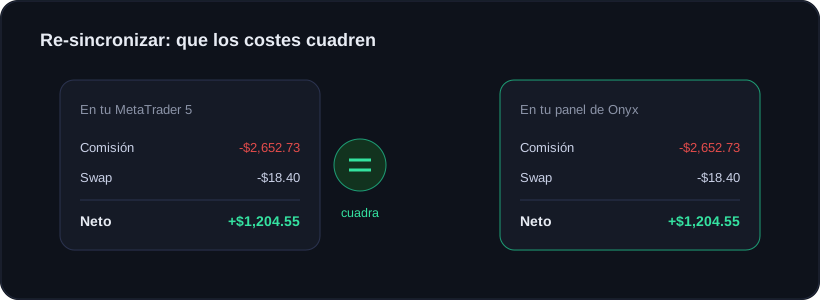
Your net in Onyx should be identical to your MetaTrader or cTrader, commissions and swaps included. If for some reason it does not match, nothing gets deleted: the full history is re-synced.
After re-syncing, commission, swap and net match your platform to the cent.
How to do it
1In your dashboard, open the account that does not match.
2Tap "Re-sync history".
3Keep your MetaTrader/cTrader open a moment: the EA re-sends every trade from the start.
Why it used to be off
On MetaTrader 5 a trade commission is split between entry and exit. The Onyx EA adds both parts, which is why the total matches.
Re-syncing does not delete your history or notes: it only recomputes costs with fresh data from the platform.