← Back to the guide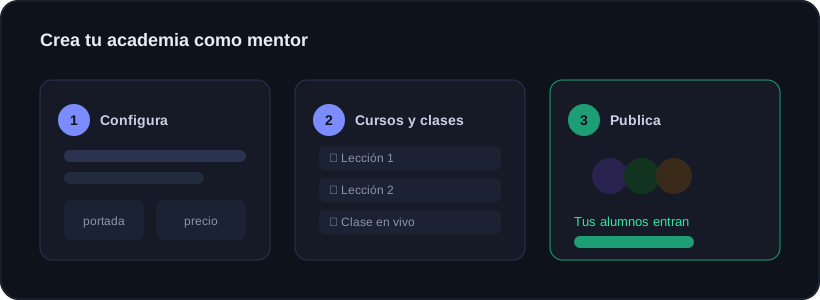
Guide · Onyx Academy
Set up your academy (mentor)
🕒 1 min read
From the dashboard you open Onyx Academy and create your academy with a wizard. You can have it ready in minutes and polish it later.
Step by step
1Name your academy and add a short tagline.
2Upload your logo and a cover (so it shows your brand, not Onyx's).
3Create your first course: add sections and, inside, lessons with video (YouTube/Vimeo/.mp4), PDF and notes.
4Schedule a live class from the calendar: paste your Zoom/Meet or YouTube Live link and pick day and time. You can mark several days at once.
5Share your academy's public link so people can join.
Live classes
Students see a countdown and a LIVE banner when you start. Each one sees it in THEIR local time. Afterwards you can add the replay to the same event.
Community
Your academy comes with a feed where you and your students post, like and level up with points. It helps people stick around and take part.
Control
You have moderation: set rules, review reported posts, delete comments and manage students (rename, mute or remove).
Before inviting people, try the flow yourself with a student account: enroll, join a test class and check everything looks right.
Ready to trade with data, not gut feeling?
Onyx analyzes every trade, protects your risk with Guardian and shows your real numbers. Start free and upgrade whenever you want.
Was this useful?
📱 Carry Onyx on your phone — Android & iPhone