← Back to the guide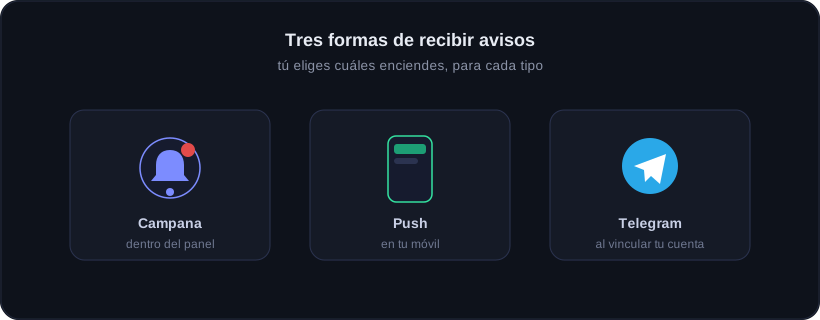

Guide · Alerts and support
Telegram alerts
🕒 1 min read
Onyx can alert you on Telegram without you opening the web. You link your account once and choose which alerts you want.
How to connect
1
Open Connect Telegram
In My account → Alerts, tap "Connect Telegram". The first time, it will ask to open the Telegram app.
2
Tap Start in the bot
The Onyx bot opens with a linking code already typed. You just tap the Start button (or /start): you type nothing.
3
Done, you are linked
The bot confirms with a message. From then on you get the alerts you have turned on in My account → Alerts.
What it can alert you about
- When Onyx Guardian stops or closes a trade because of your plan.
- When you approach a funding limit, before you hit it.
- If your EA stops reporting (MetaTrader closed or offline).
- A daily summary and a performance report every Sunday.
Commands
- /estado — quick summary of the last 24 hours.
- /informe — your week: result, win rate, best pair and discipline.
- /stop — stop receiving alerts (you can reconnect anytime).
You decide what arrives
Every alert respects your switches: turn on only the ones you want and turn off the rest from My account → Alerts.
Telegram alerts are part of the Guardian Elite plan (and Black Onyx). If your plan changes they stop, but your link is kept in case you come back.
Ready to trade with data, not gut feeling?
Onyx analyzes every trade, protects your risk with Guardian and shows your real numbers. Start free and upgrade whenever you want.
Was this useful?
📱 Carry Onyx on your phone — Android & iPhone