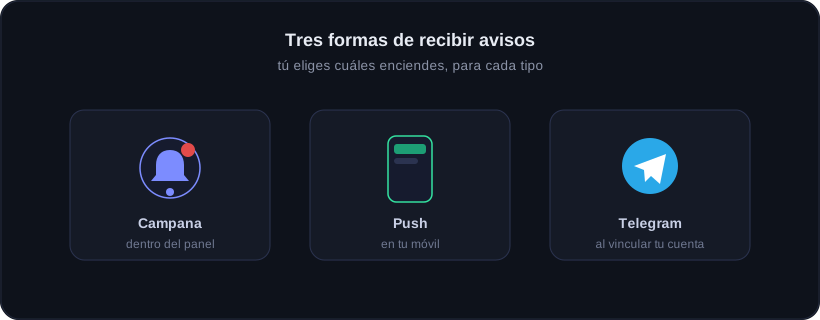
Onyx alerts you on three channels, and you decide which you turn on for each type of alert.
Bell inside the dashboard · push on your phone · Telegram once you link your account.
The bell
It is the icon at the top right of the dashboard. It keeps your alerts: daily check-in, support replies, referral rewards and bot alerts. Tapping any takes you to the exact screen.
Push on your phone
If you install Onyx as an app and accept permissions, you get notifications even with the web closed. Great for the check-in reminder or when the Guardian stops you.
Telegram
Once you link your Telegram account, the bot sends what matters outside the app: limits, EA down, daily summary. Every message carries the Onyx Trading Live brand.
You are in charge
In My account → Alerts there is a switch panel: turn the bell and push on separately, for each type of alert.
Depends on your plan
Push and Telegram may depend on your plan. The bell is always available.